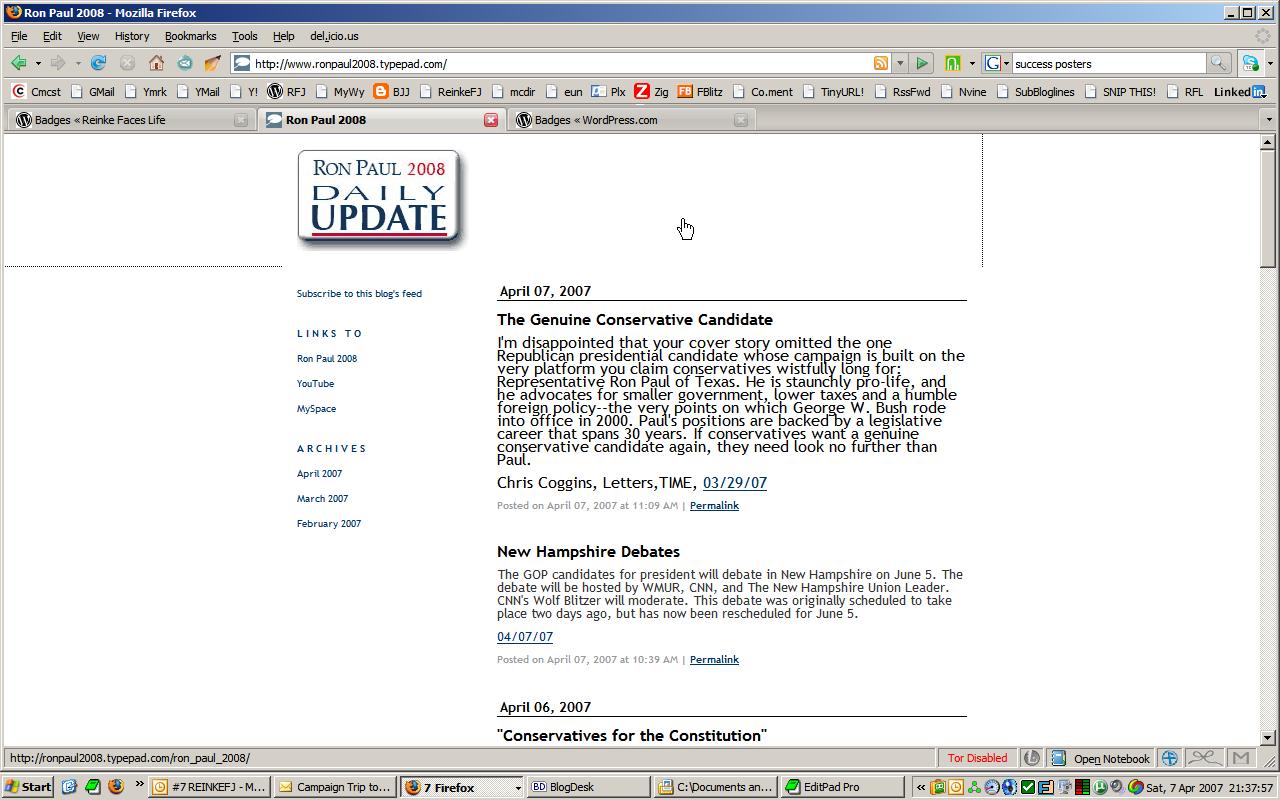
Here’s a quick way to edit a jpeg without a lot of trouble. I just “photocopied” Ron Paul’s website to a jpeg. Uploaded it to PICNIK. Cropped it to the size I needed. Downloaded the result.
Input:
Output:

Now I wanted to put the image in a WORDPRESS test widget, like so:
<a href=”http://ronpaul2008.typepad.com/ron_paul_2008/”><img src=”https://reinkefaceslife.com/wp-content/uploads/2007/04/ronpaul2008dailyupdate.jpg” /></a>
But it didn’t work.
Maybe I’m too tired, but I don’t see what’s wrong. Maybe if I sleep on it, I’ll get it! Argh!











 Reinke Faces Life
[…] https://reinkefj.wordpress.com/2007/04/07/ tech-website-edit-your-jpeg-on-the-web/ […]
LikeLike